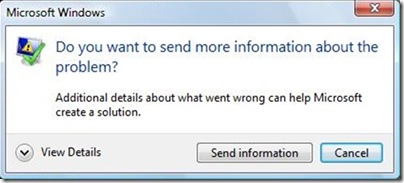
Whenever a program hangs or crashes occurs, Vista is able to automatically send relevant information about the failure to Microsoft using Windows Error Reporting (WER), have this information analyzed and obtain a solution to the problem if one exists. In case you are testing beta versions of applications, you might encountered this situation many times. Some times the Error Reporting can be annoying, but it can be turned off using Group Policy Editor.
1. To disable Error Reporting, open Group Policy Editor (Start-> Run-> gpedit.msc)
2. Navigate to Computer Configuration > Administrative Templates > Windows Components > Windows Error Reporting.
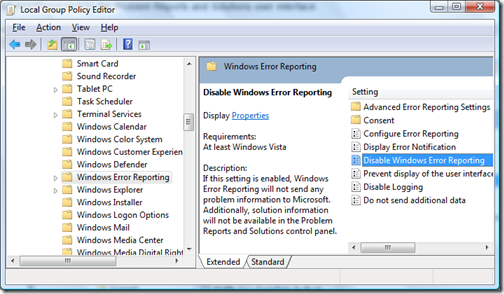
3. Double click on the setting- Disable Windows Error Reporting.
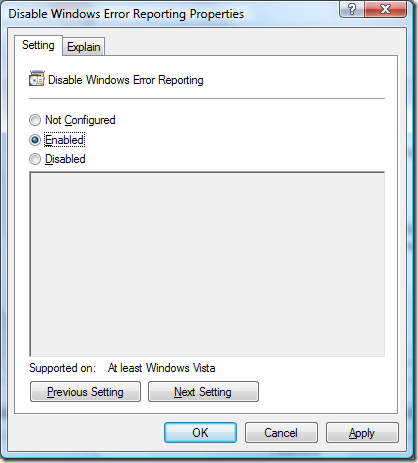
4. Click Ok and close the Group Policy Editor.
Windows Error reporting will not show up next time any application crashes or stops working.
0 comments:
Post a Comment